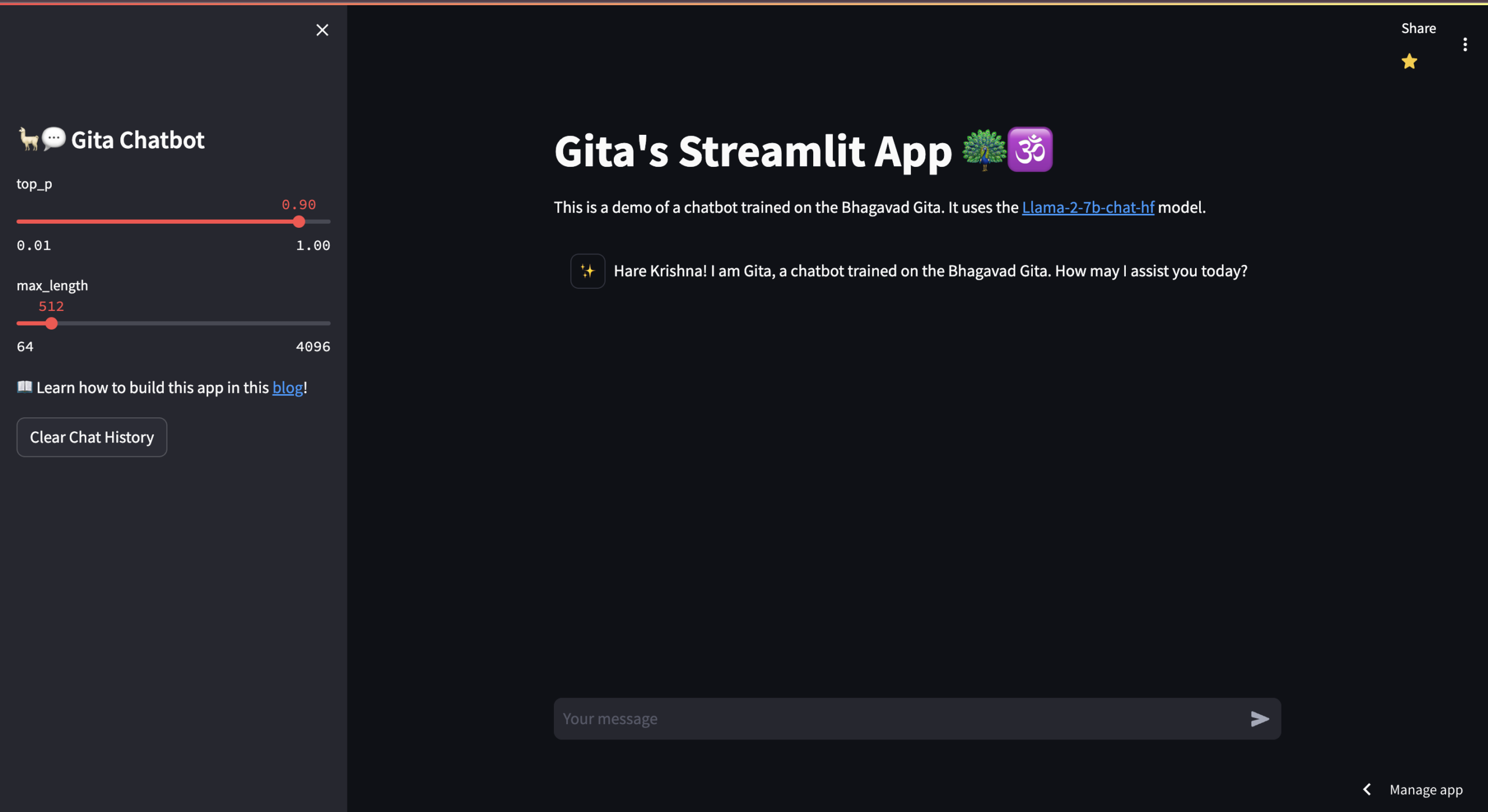
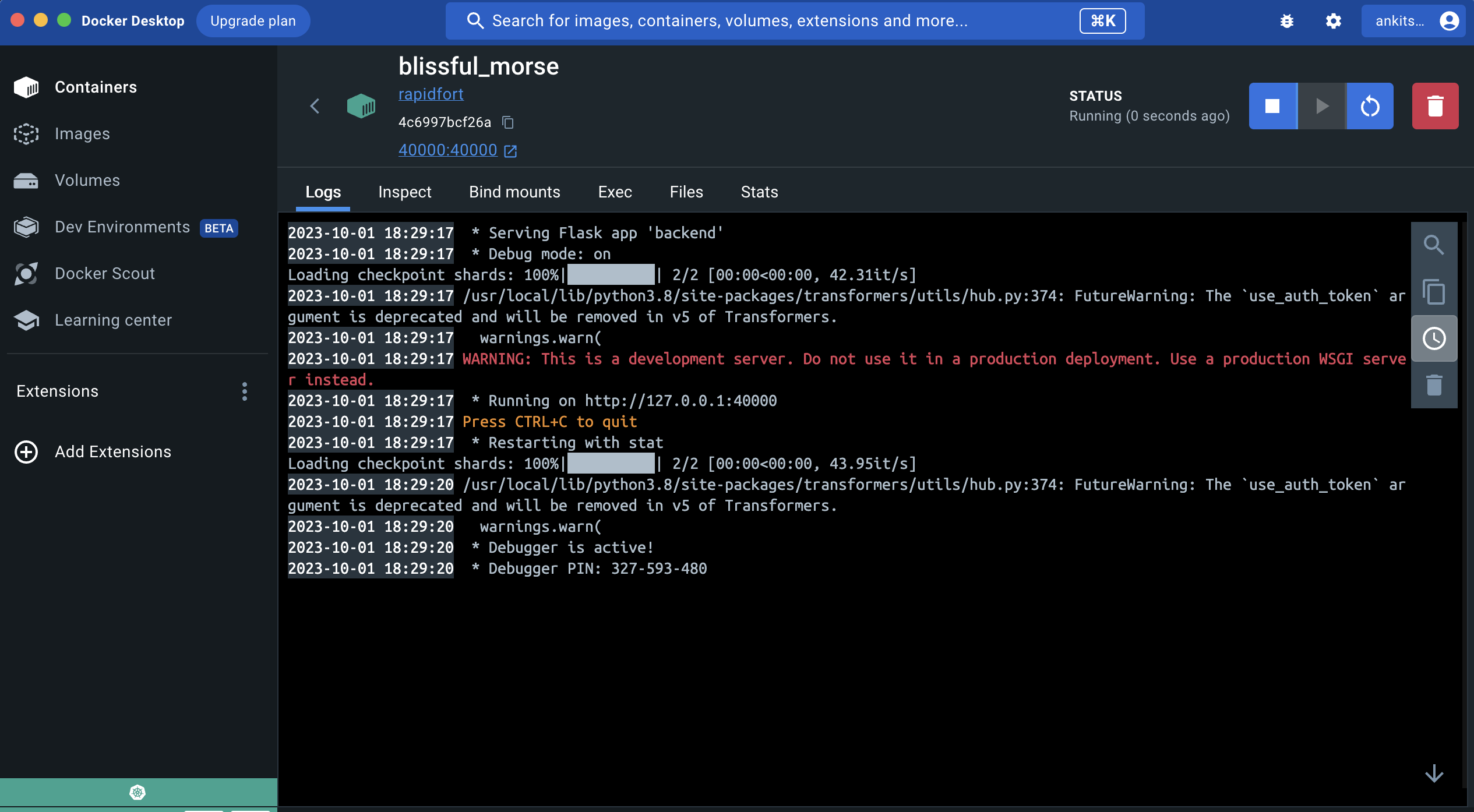


- ✅ Task-1: Create a repo and store your program on GitHub or Bitbucket. (https://github.com/CrypticMessenger/rapidfort)
- ✅ Task-2: Documentation. (
README.md) - ✅ Task-3: Add a simple UI to this web application. (
frontend.py) - ✅ Task-4: Dockerize the application. (
Dockerfile) - ✅ Task-5: Add a GitHub actions or equivalent pipeline to build a docker container. (
.github/workflows/main.yml) - ✅ Task-6: Create a bash script with instructions to run the container. (
run.sh) - ✅ Task-7: Create Kubernetes manifest files to host the web server. (
pod.yaml) - 🚀 BONUS: Dockerhub image is available for both arm64 and amd64 architectures(used github actions), making it more universal.
- 🚀 BONUS: deployed frontend on cloud using streamlit sharing. (https://rapidfort.streamlit.app/)
- 🚀 BONUS: Maintained high standards of code quality: using enviroment variables and saved coding time by using open-sourced templates.
- 🏆 PERSONAL ACHIEVEMENT: boosted testing time by downloading model once locally and then transfering it to container using, thus avoiding downloading it everytime the container is run: (expected time reduced from 50 minutes to 5-7 minutes)
docker cp ~/.cache/huggingface <container_id>:/root/.cache/
-
🏆 PERSONAL ACHIEVEMENT: never worked on docker, kubernetes or github actions before, so it was a great learning experience.
-
Quick Links:
- hosted frontend: https://rapidfort.streamlit.app/
- dockerhub image:
ankitsharma61016/gitagpt108:latest - Collab backend link: https://colab.research.google.com/drive/1XQ36LZJ_znkBaqkhHWivyYWbYpFdkxcG?usp=sharing
- resume link: https://drive.google.com/file/d/1IQRxkd0824bWJVbNHF-_HWwhrofTR3hB/view?usp=drive_link
- Clone the repo using following command:
https://github.com/CrypticMessenger/LlamaYogi.git- Run
run.shusing following command:
./run.shif you get permission denied error, run the following command and try again:
chmod +x run.sh-
in background the script will do the following things:
- Check if container with the specified name is already running. if yes, it will exit the script.
- Check if the container exists but is stopped, it removes the container.
- Pull the latest image from the repository
- Run the Docker container with port mapping
- Check if the container started successfully, and echo the result.
- [CAUTION] you can change some parameters in
run.shbut be very careful while doing so.
-
to run frontend locally, run the following command, then go to
localhost:8502in your browser:
streamlit run frontend.py --server.port 8502-
hosted frontend on cloud using streamlit sharing, link: https://rapidfort.streamlit.app/
-
[CAUTION] remember the llama2 model is very intensive and requires a lot of memory(13GB+). so, if you are running it on a local machine, it might crash. so, it is recommended to run it on a cloud instance, through google colab. the link to the colab notebook is given below, doing same thing as in
backend.pybut in cloud(without frontend): follow this article to generate HF_TOKEN(https://huggingface.co/blog/llama2)
Collab link: https://colab.research.google.com/drive/1XQ36LZJ_znkBaqkhHWivyYWbYpFdkxcG?usp=sharing
- to create kubernetes cluster, run the following command:
kubectl create -f pod.yaml- to check if the pod is running, run the following command:
kubectl get deployments- to tear down the cluster, run the following command:
kubectl delete -f pod.yaml
Leave a Reply